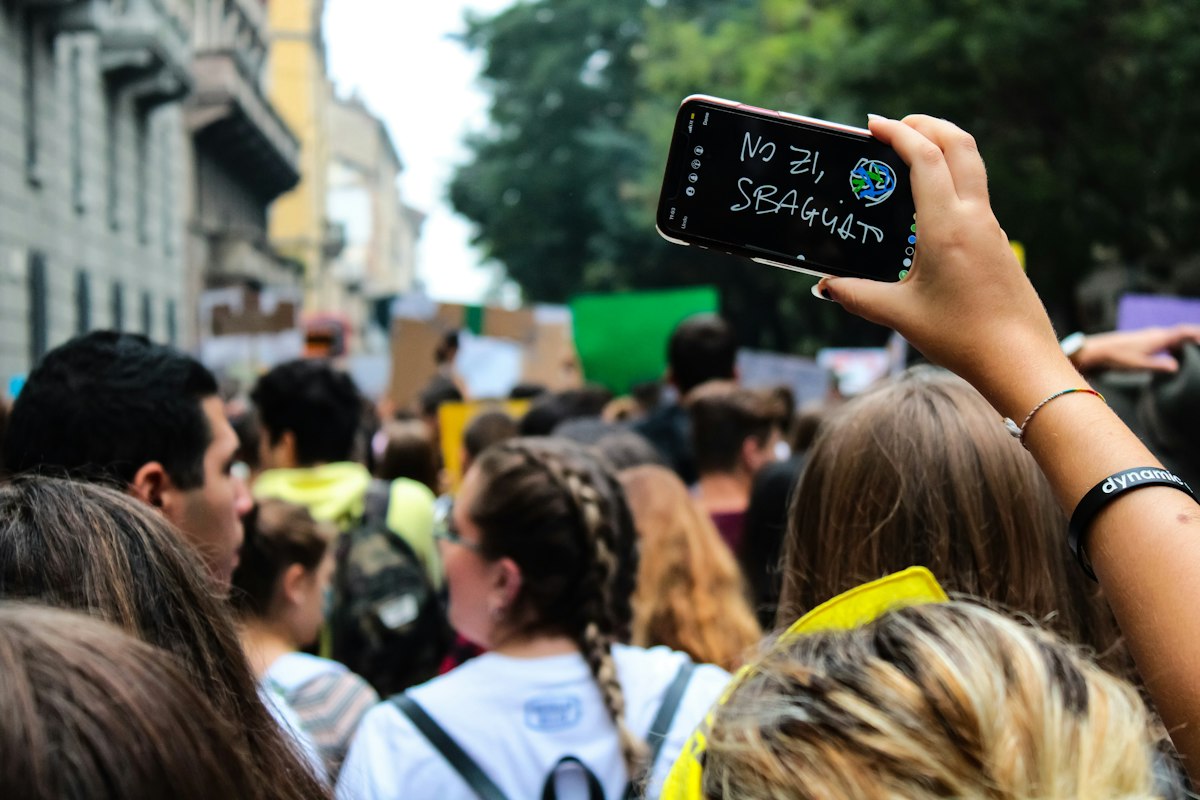
Your phone is already in your hand when something goes wrong. The question is whether the footage you capture will survive, stay private and still be believable a month from now. Evidence documentation apps exist for exactly that gap, and three of the best ones are free, open source and already listed in the Resistance Directory.
This is our first Tool Spotlight, where we pull a few resources out of the directory and show you how to actually use them. Today: ProofMode, Tella and OpenArchive’s Save app. One proves when and how something was recorded. One hides and encrypts it. One gets it off your phone and into safe storage. Used together, they cover the whole life of a recording.
Why Your Camera Roll Is Not Enough
The default camera app was built for brunch photos. Everything it captures lands in a gallery anyone can scroll, syncs to a corporate cloud you do not control, and carries no reliable record of where it came from. If your phone is lost, grabbed or searched, that footage goes with it. If it survives, someone can still wave it away as fake or edited. Last week we talked about why a screenshot is not evidence. This week is the other side of that coin: how to make your own documentation hold up.
ProofMode: Receipts for Your Receipts
ProofMode is a set of open source tools for capturing and verifying media provenance. It is a collaboration between the Guardian Project, WITNESS and Okthanks that dates back to 2013, and its main app, Capture, is a free camera app for Android and iOS with provenance and chain of custody built in. In plain English, it records supporting details such as time, device and location alongside your photo or video so a journalist, lawyer or investigator can check that the file is what you say it is.
How to use it: install Capture before you need it, open the settings and decide how much location data you are comfortable recording. Location helps prove where something happened, but it can also reveal where you live or work. Take a few practice shots at home so the app feels familiar. When you share proof with a reporter or legal observer, send the original file through a secure channel rather than reposting a compressed copy to social media.
Tella: The Vault That Does Not Look Like a Vault
Tella is a free, open source app from the nonprofit Horizontal, built for activists, journalists and human rights defenders. Photos, video and audio captured inside Tella are encrypted the moment they are recorded, never show up in your regular gallery, and sit behind a PIN or password. You can change the app’s icon so it does not stand out, delete files in seconds, and work fully offline, then upload later to services like Nextcloud, Google Drive, Dropbox or Tella Web. It runs on Android and iOS in 25 languages and publishes independent security audits.
How to use it: set a strong PIN that is not your phone unlock code. Turn on the disguise feature if you might face a phone search. Record directly inside Tella instead of moving files in later, since anything that touched your normal gallery may already be backed up somewhere else. Decide ahead of time which trusted person or organization receives your uploads, and set that connection up while things are calm.
OpenArchive Save: Get It Off the Phone
A file that only lives on one phone is one bad day from disappearing. OpenArchive makes Save, a free and open source app for archiving, verifying and encrypting mobile media. Save can send your files to the Internet Archive or a Nextcloud server, supports ProofMode and SHA256 verification, routes uploads over Tor if you choose, and lets you attach a Creative Commons license. OpenArchive also published a 2026 independent security audit of the app.
How to use it: pick your destination with care. The Internet Archive is public, so use it only for material you want the world to see, like footage of a public meeting. Sensitive recordings belong on a private Nextcloud server run by your group or a trusted ally. Add short, factual notes to each upload: date, place and what the clip shows.
A Simple Workflow for Your Next Action
Before you go, install the apps, set your PINs and practice once. On site, record in Tella or Capture, film in short clips, and capture street signs or landmarks that establish place. Film the conduct, not the faces of fellow protesters who did not agree to be identified. Afterward, back up through Save or your Tella server connection, then remove sensitive copies from the phone you carry. For deeper technique, the free WITNESS tips for filming protests and police abuse remind you that laws on filming authorities vary, so know your rights before you press record. Their Video as Evidence guide goes further on capturing, storing and sharing.
What These Tools Cannot Do
No app makes you invisible or bulletproof. Encryption protects files, not people. Provenance data shows when and how a file was made, not the full story of what happened. And a sloppy upload can expose people you meant to protect. Treat these apps as one layer in a bigger safety plan that includes legal support, a buddy system and good judgment.
Your Move Today
Pick one of these tools and install it before your next action. Then browse our Digital Evidence Verification and Digital Privacy categories for the rest of the toolkit, and find a team near you in Legal Aid before you need one. Less doomscrolling. More doing.
Sources
- ProofMode official site
- Tella official site
- OpenArchive official site
- WITNESS: Filming Protests and Police Abuse
- WITNESS: Video as Evidence Basic Practices